The seedbox vs dedicated server question sounds like a comparison between two products. It is really a comparison between a slot and a machine. A shared seedbox is an account on someone else's box with a disk quota and a share of an uplink; a dedicated server is the whole chassis, the whole array and a guaranteed rate that nobody else is drawing from. Both are legitimate buys. They fail in completely different ways, and the failure modes are what should decide it.
What you are renting in each case
A shared seedbox gives you a directory, a quota, a preinstalled client and a web interface. The provider runs the OS, the updates and the client version. You get an allowance of traffic, a slice of the disks and a slice of the port. Setup time is minutes.
A dedicated node gives you root on hardware. You choose the filesystem, the RAID layout, the client, the kernel and the mount options. Nothing on the box competes with you. Setup time is hours, and you own the maintenance forever.
The two prices are not comparable per terabyte, and comparing them that way is the most common mistake. A slot costs less because it is a fraction. The question is whether the fraction behaves.
Where a shared slot breaks
Disk contention, not disk space. This is the one that bites. Twenty accounts on one array, each running a client that verifies, writes and reads in small random chunks, produces an IO pattern that spinning disks handle badly. Your throughput graph looks fine and your client's hash-check takes six hours. Nothing in the plan description mentions it, and no support ticket resolves it.
Traffic allowances, quietly enforced. "Unlimited" on a shared slot usually means unmetered until a fair-use threshold, after which the port is shaped. Ask for the number in writing. On a dedicated node the rate is the product — what unmetered bandwidth actually means covers the difference between a port speed, a guarantee and an allowance.
Shared IP reputation. You share an address, or at least a subnet, with every other account on the box. Their behaviour is your reputation.
No control over the stack. A client version you did not choose, a kernel you cannot tune, no ability to run anything alongside — no Plex transcode, no S3 gateway, no sync daemon, no scripts that need root.
Where a dedicated node breaks
It is not a free win. A whole machine means:
- You are the sysadmin. Kernel updates, client updates, failed drives, filesystem repair. The disks in a 96 TB chassis will fail; that is arithmetic, not pessimism.
- You pay for capacity you are not using. A 96 TB array costs the same when it is 8% full.
- A failure takes everything down, not just one service. One box is one failure domain.
- The idle cost is the whole cost. A slot scales down when you stop; a node does not.
The arithmetic that decides it
Take the three numbers that actually differ:
|
Shared slot |
Dedicated node |
| Capacity |
Quota, typically a few TB |
96 TB raw, 72 TB after RAIDZ2 |
| Uplink |
Shared, fair-use limited |
Guaranteed, unmetered |
| Random IO |
Contended, unpredictable |
Yours entirely |
| Root |
No |
Yes |
| Entry price |
Low, per TB high |
€549/mo for the seedbox node |
At €549 for 72 TB usable, a full dedicated node works out near €7.60 per usable terabyte per month, on a 2 Gbps guaranteed uplink. A shared slot at, say, €15 for 2 TB is €7.50 per terabyte — indistinguishable on paper. The paper is the problem: one of those terabytes comes with contended IO and a fair-use ceiling, and the other does not.
So the decision is not price per terabyte. It is:
- Under 4 TB and no root requirement → a slot. You will not fill a node and you will not miss the control.
- Over 10 TB, or any sustained sequential load → a node. Contention costs you more than the difference.
- Anything you run alongside — Plex or Jellyfin transcoding, an S3-compatible gateway, restic or Borg targets, a sync daemon — → a node, because a slot cannot run it at all.
- Reputation-sensitive traffic → a node, for the dedicated address.
What a full node costs to run, honestly
The monthly price is not the whole cost, and pretending otherwise is how people end up resenting a machine they chose correctly.
A 96 TB array on 12 TB drives will lose a drive. Manufacturer annualised failure rates for enterprise SATA sit in the low single digits, so across eight drives over three years you should expect one or two replacements — not as a risk, as a schedule. On a rented node that is a support ticket and a swap. What it costs you is attention: noticing the degraded array, confirming the rebuild completed, and checking the pool's scrub results afterwards rather than assuming.
Budget an hour a month of your own time for updates, monitoring and the occasional filesystem question. That is the real difference against a slot, and for anyone running media services alongside their client it is time they were spending anyway.
Building the node properly
If you land on the dedicated side, three choices matter more than the CPU:
RAID layout. RAIDZ2 or RAID 6 on 12 TB drives, always. Single parity on drives that size is a bet on a clean multi-hour rebuild, and choosing a RAID level explains why that bet is worse than it looks.
Filesystem tuning. recordsize=1M for large media, a separate dataset with a smaller record size for the client's own state and metadata. Mixing them on one dataset gives you the worst of both.
Uplink sized to your actual pattern. Seeding is a plateau, not a spike: near-constant egress for weeks. That shape is exactly where flat unmetered pricing beats metered billing, and where choosing an uplink speed is worth ten minutes with your own graphs. 2 Gbps guaranteed covers most single-node use; 5 or 10 Gbps is for genuinely popular content.
Frequently asked questions
Is seedbox vs dedicated server really about disk space?
No. Space is the easiest thing to buy on either side. It is about contention, control and whether "unlimited" has a fair-use clause you have not read.
Can I run Plex or Jellyfin on a dedicated node?
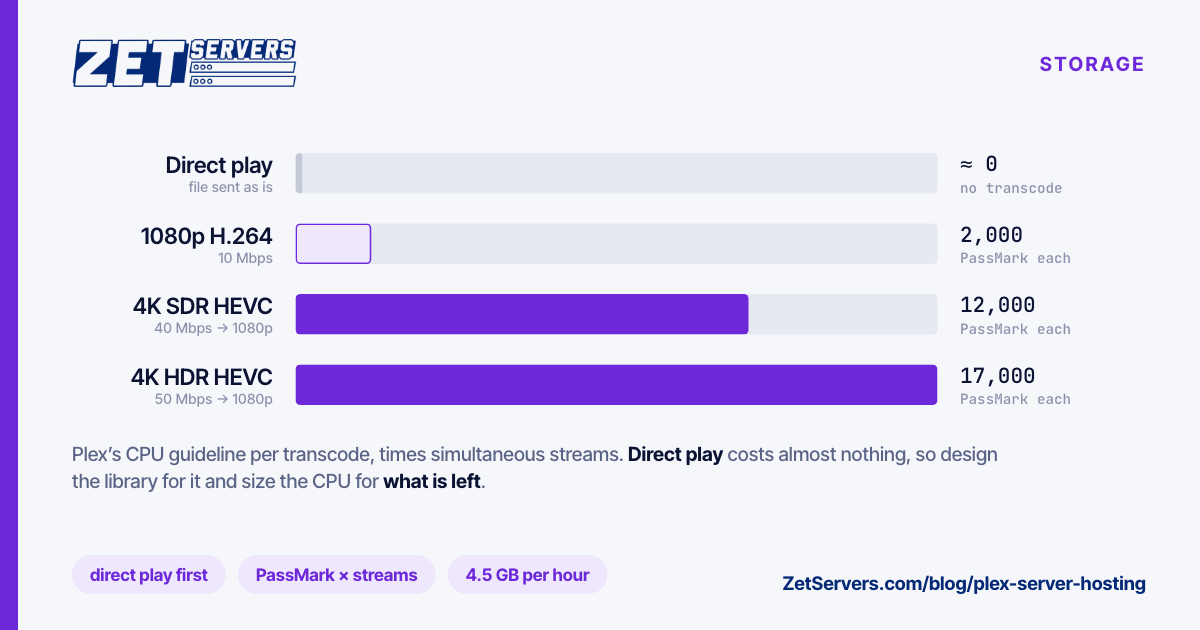
Yes, and that alone decides it for many people. Direct play needs almost nothing; transcoding needs real cores, which is another reason the whole box matters.
How much bandwidth does seeding actually use?
It is a plateau, and plateaus are what percentile billing punishes and unmetered pricing forgives — see 95th percentile billing for the arithmetic. A 2 Gbps guarantee saturated all month is roughly 648 TB delivered.
What happens when a drive fails?
On a dedicated node, you notice it and we swap it — the array stays online through the rebuild if the parity level is right. On a shared slot you find out when performance drops.
Can I start on a slot and move up later?
Yes, and it is the sensible order. Fill a slot first, learn your real capacity and traffic shape, then size the node from measurements rather than estimates. Send us the numbers and we will spec it.